




Say goodbye to…
- Communication breakdowns
- Costly delays, avoidable rework, quality issues and critical safety issues from outdated drawings
- Lugging around hard copies of drawings on-site
Say hello to Novade drawing management app
- Centralised access – store and manage all project documents in a secure cloud platform
- Real-time updates – instantly share the latest version with all team members and project stakeholders
- Version control – track revisions and maintain a clear history of changes
- Pin-based linking – attach tasks, defects, or inspections to specific drawing locations
Power up every phase with digital blueprints




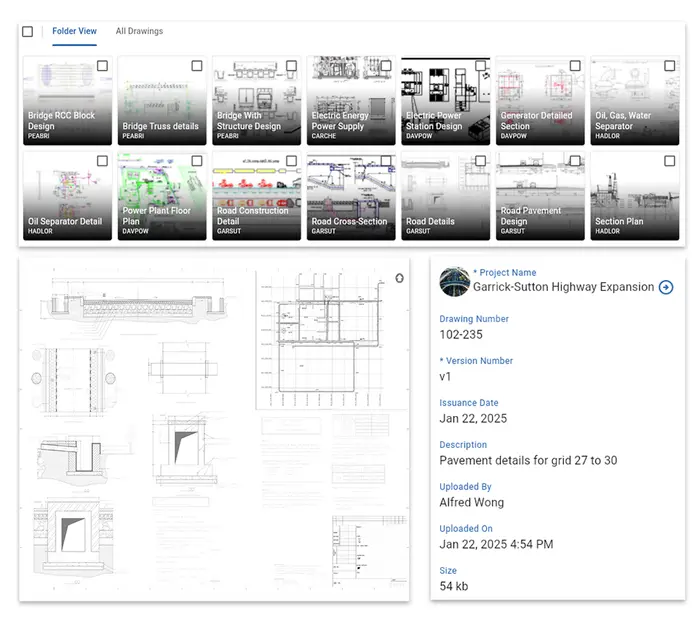
Quick uploads instant publishing
- Anywhere, anytime – upload drawings in PDF format directly from the web or mobile devices
- Organise with folders and tags – keep construction project drawings organised for quick access and easy management
- Verify before publishing – review all items to ensure accuracy before making drawings available to your team
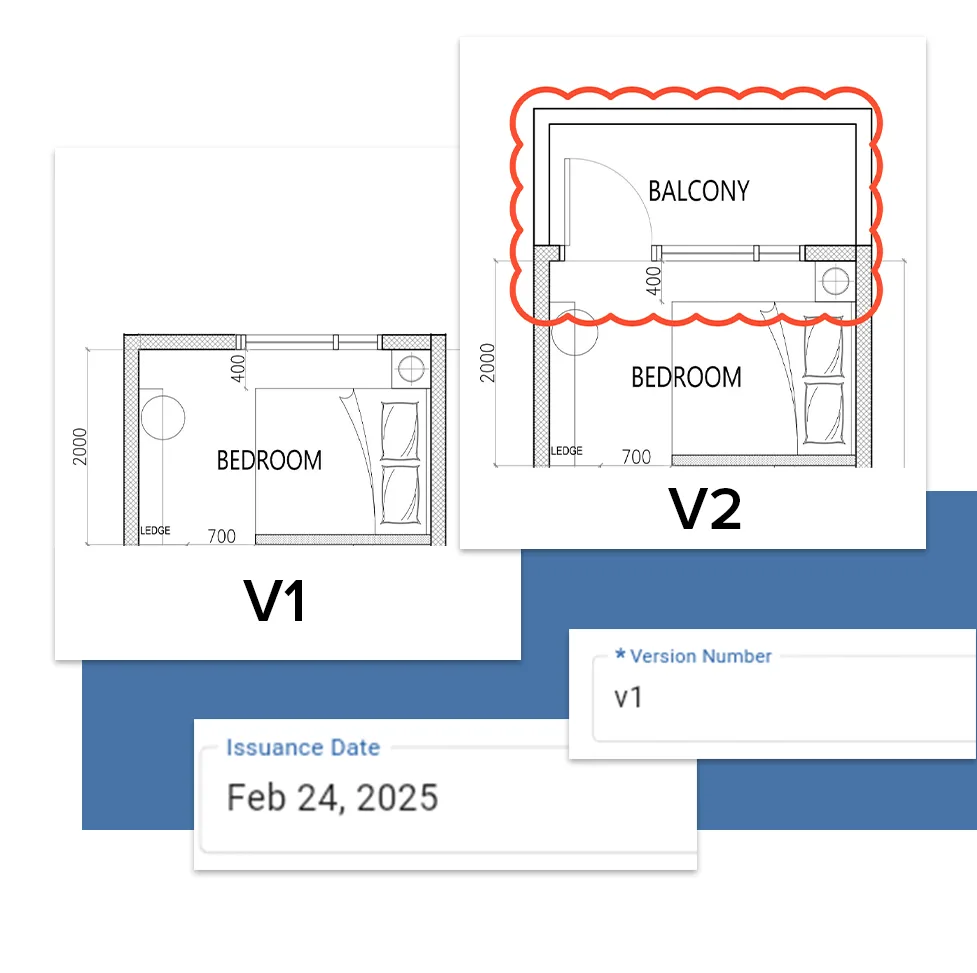
Keep drawings current with version control
- With Novade construction drawing management software, you can easily upload new drawing versions that automatically become the default for all project users
- Need to review past updates? Previous drawing versions are always accessible via the web’s navigation bar or with a simple swipe on mobile
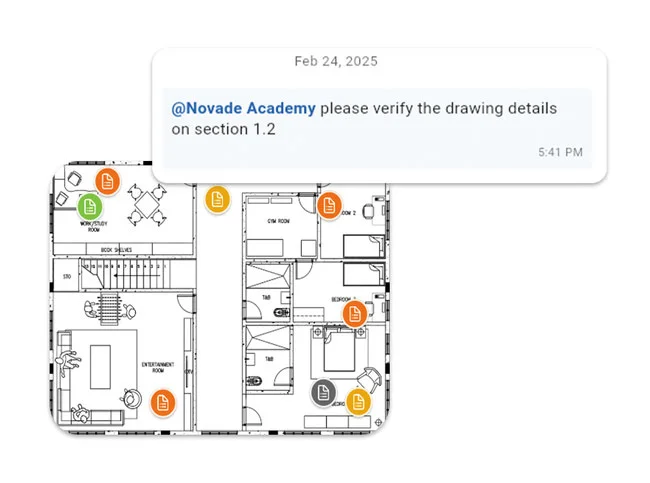
Mark up, pin down, and chat in real-time
- Mark up drawings – add highlights and annotations to construction drawings attached to forms or tasks for clear, effective communication
- Pin forms & tasks – link defects, actions or issues to specific areas of the drawing, making it easy to track project details on-sites
- Collaborate in real time – add comments on drawings and tag team members to keep everyone aligned and informed
Custom roles, total control

Administrators
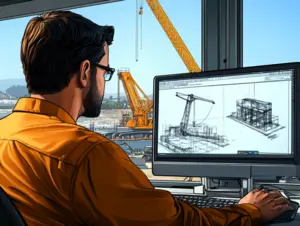
Technical managers

Site operators
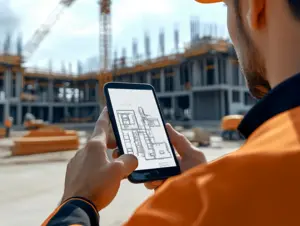
View only users
Your blueprint for project excellence
Enhanced productivity
Centralised storage, real-time updates, and offline access save time and improve on-site collaboration
Improved compliance
Clear audit trails and version control ensure traceability, support compliance with industry standards, and simplify audits
Reduced risks
Custom access control and secure data storage safeguard critical information, minimising the risk of data breaches or loss
Completing forms in the field is fast and simple
Ease of use
Intuitive interface for all users, accessible on mobile and desktop
Offline mode
Manage data without internet; automatic syncing when reconnected.

Central repository
Store project drawings securely in the cloud for easy stakeholder access.

Real-time updates
Instantly update and share drawings to keep everyone aligned and reduce errors.
Version control
Track changes with automatic version history for easy review and auditing.

Pin-based linking
Link tasks, defects, inspections, or permits to drawing locations for clarity and quick resolution.

Access control
Control access with roles and permissions for secure drawing management.

BIM viewer
Visualise BIM with Novade, enhancing coordination and design understanding.
Frequently Asked Questions
- Centralised storage: You can store all your as-built drawings in one spot, which means you don’t have to worry about losing or misplacing them. Plus, everyone on the team can access them easily.
- Real-time updates: An app allows you to update as-built drawings in real-time as changes happen during construction. That way, you always have the latest and greatest version, which helps avoid mistakes and misunderstandings.
- Collaboration and communication: With built-in collaboration and communication tools, you can share, comment on, and discuss as-built drawings with your team. That makes it easier to make decisions and keep everyone in the loop.
- Version control: You can keep track of changes made to as-built drawings and see the history of revisions. This is super helpful when it comes to understanding the project’s evolution and settling any disagreements.
- Easy access and sharing: You can get to your as-built drawings from any device with internet access. That makes it simple to share them with clients, facility managers, or maintenance teams when needed.